Stop Configuring Servers: Why SIOPS is the Best Pingdom Alternative for Non-Techies

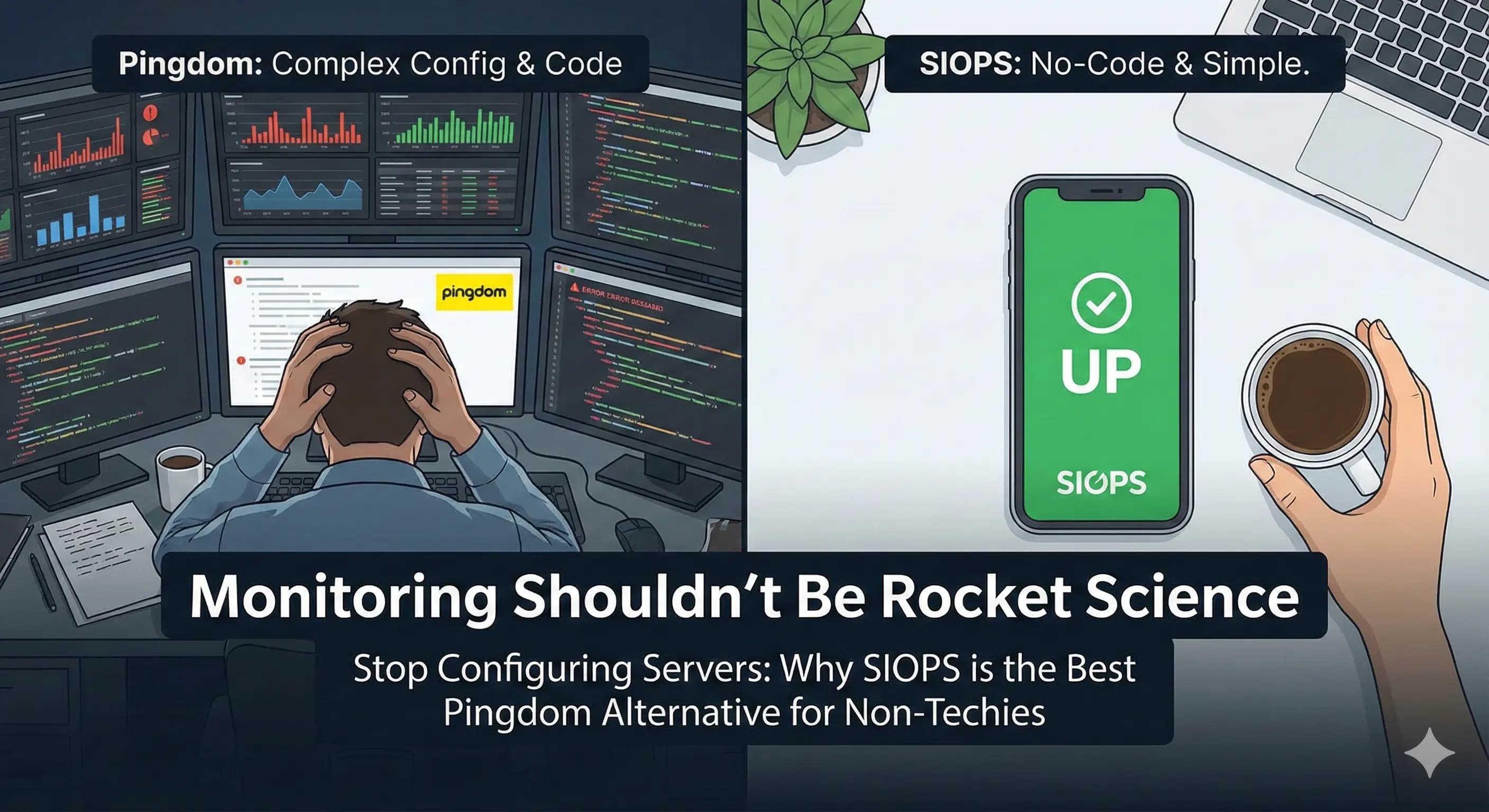
We need to talk about "Dashboard Fatigue."
You know the feeling. You sign up for a monitoring tool because you want to know if your client's website is up. You log in, and suddenly you’re staring at a cockpit.
There are graphs for "Synthetic Transactions." There are "RUM" (Real User Monitoring) charts. There are 50 different settings for packet loss and traceroutes.
If you are a SysAdmin for a Fortune 500 company, Pingdom is heaven. You need that data.
But if you are a Freelancer or an Agency Owner managing 10 WordPress sites? It’s just noise.
You don't want to configure a server. You just want to know: Is the site down? Yes or No?
Here is why it might be time to ditch the enterprise bloat and switch to SIOPS.
1. You Are Not a SysAdmin (And That’s Okay)
Pingdom is built for IT departments. It assumes you have a team of people sitting in a dark room with three monitors each, watching graphs all day.
But you? You’re probably a web designer, a developer, or a founder. You have a million other things to do. You aren't "monitoring infrastructure"; you are protecting your reputation.
- Pingdom asks: "What threshold of packet loss is acceptable before triggering a synthetic alert via webhook?"
- SIOPS asks: "Do you want us to wake you up if the site crashes?"
We built SIOPS for the person who builds the site, not the person who maintains the server rack.
2. The "No-Code" Relief
Have you ever tried to set up a "Transaction Monitor" in legacy tools? It often feels like writing code just to check if your code is working.
We believe monitoring should be the easiest part of your day.
The SIOPS "2-Minute" Promise: We stripped away the complexity. We don't make you install "Agents" on your server. We don't ask you to configure firewalls.
- Copy the URL.
- Paste it into SIOPS.
- Go to sleep.
If you can use a web browser, you can use SIOPS. It’s strictly No-Code.
3. Monitoring from the Grocery Store
Here is a reality check: Downtime rarely happens when you are sitting at your desk.
It happens when you are at the grocery store. It happens when you are at a family dinner. It happens when you are stuck in traffic.
Legacy tools like Pingdom are often "Web-First." Their mobile apps feel like afterthoughts—shrunken versions of their giant desktop dashboards. Trying to read a complex "Waterfall Chart" on an iPhone screen is a nightmare.
SIOPS is Mobile-First. We built the app for your phone, not your desktop.
- Big buttons.
- Clear "UP" or "DOWN" status.
- A giant "Stop Alarm" button.
When panic strikes, you don't want to be pinching-and-zooming on a graph. You want answers.
4. Stop Paying for Features You Don't Use
Pingdom (and tools like it) are expensive because they are powerful. You are paying for:
- Real User Monitoring (RUM)
- Server density tracking
- DevOps API integrations
If you use 10% of the features, why are you paying 100% of the price?
SIOPS is priced for the 99%. We focus on the one feature that actually matters: Uptime. Because we don't build the bloat, we don't charge for it. You get professional monitoring, status pages, and critical alarms for the price of a coffee ($5/mo), not a steak dinner.
The "Simple vs. Complex" Breakdown
| Feature | Pingdom (The Enterprise Way) | SIOPS (The Freelancer Way) |
|---|---|---|
| Philosophy | "Data is everything" | "Sleep is everything" |
| Setup Time | 15–30 Minutes | 2 Minutes |
| Mobile Experience | Shrunken Desktop Dashboard | Native Mobile App |
| Alert Style | Standard Notification | Critical "Wake Up" Alarm |
| Best For | IT Departments | You |
The Verdict
Look, we have respect for Pingdom. It’s a legend in the industry. If you need to debug why a database query in São Paulo is taking 400ms longer than usual, use Pingdom.
But if you just want to protect your client relationships and get a good night's sleep?
Stop over-complicating it.
Keep it simple. Keep it SIOPS. Get the No-Code Monitor Today