Uptime Kuma vs. SIOPS: Self-Hosted Is Free Until Your Server Is the Thing That's Down

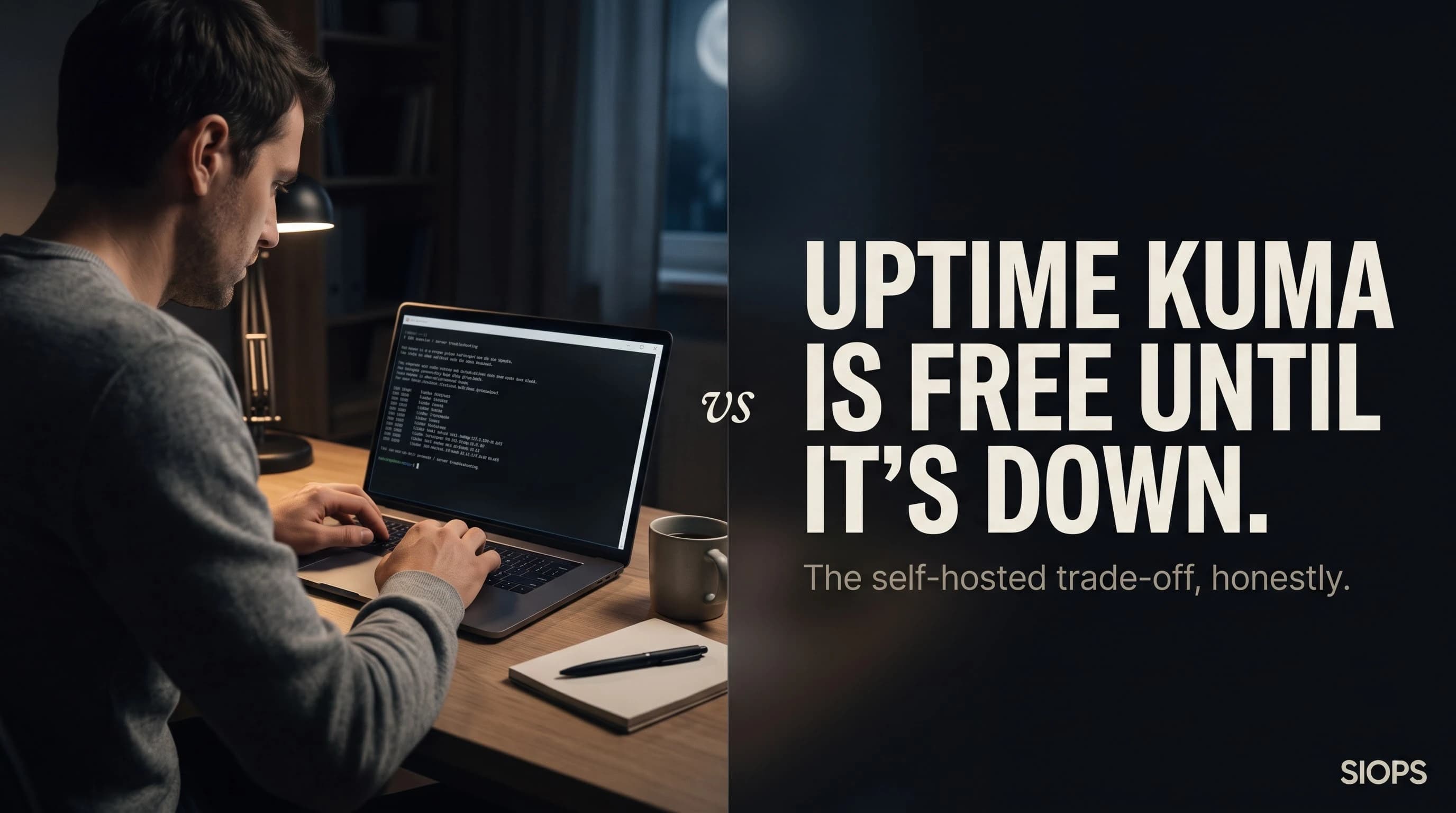
Uptime Kuma has 84,000 GitHub stars, an MIT license, and a dashboard genuinely nicer than most paid tools. It monitors HTTP, TCP, DNS, Docker containers, SSL expiry, even Steam game servers. It's free forever, the code is yours to read, and nothing about your client's URLs ever leaves a server you don't control.
None of that helps the night the server running Uptime Kuma is the server that goes down.
1. The Monitor Watching Itself
Uptime Kuma runs somewhere. Usually that somewhere is a small VPS you spun up yourself, sometimes it's the same box hosting the sites it's supposed to be watching. Self-hosting guides for Uptime Kuma are blunt about this: a monitor that lives inside the infrastructure it watches has a blind spot the size of that infrastructure. If the VPS running Kuma goes offline, so does every alert it was ever going to send. The tool that was supposed to catch downtime becomes downtime, silently, with nobody watching the watcher.
The honest fix, according to the people who actually run this setup at scale, is to run a second Uptime Kuma instance on a separate box in a separate location, each one monitoring the other. That's not a criticism of the software. It's an accurate description of what it costs in engineering time to make a free tool as reliable as a paid one.
SIOPS doesn't have this problem because SIOPS isn't running on your infrastructure. It's a separate service checking your sites from outside your stack. When your server has a bad night, SIOPS is not on that server. That's not a feature we added. It's the entire premise of the product.
2. Ninety Notification Channels, Zero That Bypass Silent Mode
Uptime Kuma genuinely supports an impressive alerting list, Telegram, Discord, Slack, email, PagerDuty, OpsGenie, Ntfy, Gotify, Pushover, Twilio, and dozens more through Apprise. If you can name a notification service, there's a decent chance Kuma already talks to it.
What none of those 90-plus integrations do is bypass your phone's Do Not Disturb setting. A Telegram message at 3am on a muted phone is a muted Telegram message. A Pushover alert behaves the same way. Even Twilio-powered SMS or voice calls, which cost you money per alert on top of the free software, still ring into whatever silence settings your phone has active. Uptime Kuma was built to reach every app you might want. It was never built to reach through the one setting that actually determines whether you wake up.
SIOPS requests Critical Alert permission on iOS and the equivalent alarm channel on Android, the same permission tier reserved for medical devices and emergency alerts. That's not one option on a list of 90. It's the one thing the product exists to do.
3. Single Location, Real Trade-off
Uptime Kuma checks from wherever its host server sits. One location, one network path, one view of whether your client's site is reachable. If that specific path to that specific server has a routing hiccup, but the rest of the internet can reach the site fine, Kuma can report a false alarm and wake you up for nothing, or worse, sit quietly convinced everything's fine while users somewhere else are getting errors.
This is a genuine, documented limitation, not a knock invented for this post. Even guides written by people who love Uptime Kuma point out that SaaS tools checking from multiple distributed locations catch things a single self-hosted instance structurally cannot. SIOPS runs its checks from probe locations chosen for the regions our users actually serve, so a local network blip three hops from your monitor doesn't become a false positive, and a real regional outage doesn't get missed because the one server watching happened to have a clear path that day.
4. What You're Actually Trading For Free
Uptime Kuma is free in dollars. It is not free in time. Someone has to provision the VPS, keep the OS patched, handle the Docker or Node.js runtime, back up the SQLite database, and notice when the whole stack needs attention. Past roughly 100 to 150 monitors on short check intervals, that same SQLite database becomes the bottleneck, and the fix is splitting instances or migrating checks to a different tool entirely.
If you're a developer who enjoys running infrastructure as a hobby, that trade is genuinely worth making. If you're a freelancer whose actual job is building client websites, every hour spent patching the monitor is an hour not spent on the thing clients pay you for.
SIOPS costs money because we run the server, patch the server, back up the database, and make sure the checks fire, so you don't have to think about any of it. Paste the URL. Set the alarm. That's the whole setup.
Comparison
| What Matters | Uptime Kuma | SIOPS |
|---|---|---|
| Price | Free, self-hosted | Free tier, Serious from $4.99/mo ($44.99/yr) |
| Who maintains the monitor | You | Us |
| Runs independently of your own servers | No, by default | Yes |
| Bypasses Do Not Disturb | No | Yes |
| Check locations | Single, wherever you host it | Multiple, chosen for your audience |
| Setup time | 30+ minutes plus ongoing upkeep | Under 2 minutes |
| Built for | Homelabbers, self-hosters | Freelancers and small agencies |
The Verdict
Uptime Kuma is one of the best pieces of open-source software in this category, full stop. If you already run a homelab, already patch your own servers for fun, and already know how to keep a second instance watching the first, it costs nothing and does almost everything.
If your job is protecting client websites and you'd rather spend your evening anywhere other than SSH'd into a VPS checking why the monitor stopped sending alerts, that trade doesn't make sense. You want the thing watching your clients' sites to be a problem for someone else to maintain, so the only thing you have to think about at 3am is whether to get out of bed.
Self-hosted monitoring is free until the server hosting it is the thing that's down. SIOPS starts free too, minus the server you have to babysit. Get it at siops.app.